
Multiple Telegram accounts
Multiple Telegram Accounts on One Android Phone With StaffPeek
Multiple Telegram accounts means more than one Telegram login, usually each on its own phone number, used from one device so channel admins and sellers stop logging out and in. StaffPeek opens Telegram Web for each login in a private session and shows every account in one list.
- Beyond the app's account limit
- Each login apart
- Telegram next to WhatsApp
Updated 25 November 2026
What are multiple Telegram accounts, and can you have two?
They are separate Telegram logins, each tied to its own phone number. Yes, the Telegram app itself holds a few and switches between them.
StaffPeek adds more logins than the app allows and keeps each one open in a separate session.
- Every Telegram account still needs its own phone number.
- Telegram Web is used, so secret chats stay on the phone app.
- Logins are confirmed with a code Telegram sends.
Multiple Telegram accounts with StaffPeek: how it works on Android
Telegram's app handles a small number of accounts and switches between them, which suits most people. Channel admins, community moderators and online sellers often need more, or want Telegram beside WhatsApp and Instagram. StaffPeek opens Telegram Web for every Telegram login you add. You sign in with the account's phone number and the code Telegram sends to that account's existing devices, or by scanning a QR code from Telegram on another phone. Each login runs in its own session and shows in the StaffPeek list with its own label and unread badge. Telegram Web supports chats, groups, channels and files; secret chats are a phone-app feature and do not appear there. StaffPeek holds up to 200 accounts in total across all services.
Multiple Telegram accounts benefits
More than the app's limit
Add as many Telegram logins as you run, within StaffPeek's 200 accounts.
Channels and groups
Manage channel posts and group chats for every login from one list.
No logout loops
Each login stays in place; nothing signs out when you open another.
Telegram beside WhatsApp
Keep the Telegram and WhatsApp versions of your community together.
Clear labels
Name logins by channel, region or project.
Multiple Telegram accounts setup on Android
Each Telegram login needs a phone number that is already registered on Telegram.
Add Telegram
Tap Add account, choose Telegram and type a label.
Pick a login method
On Telegram Web, choose to log in by phone number or by QR code.
Confirm the code
Type the code Telegram sends to that account's other devices or by SMS.
Enter the password
If two-step verification is on, enter the Telegram cloud password.
Repeat for each login
Add Telegram again for the next account and log in with its number.
Multiple Telegram accounts screenshots
The StaffPeek screens that hold your Telegram logins.
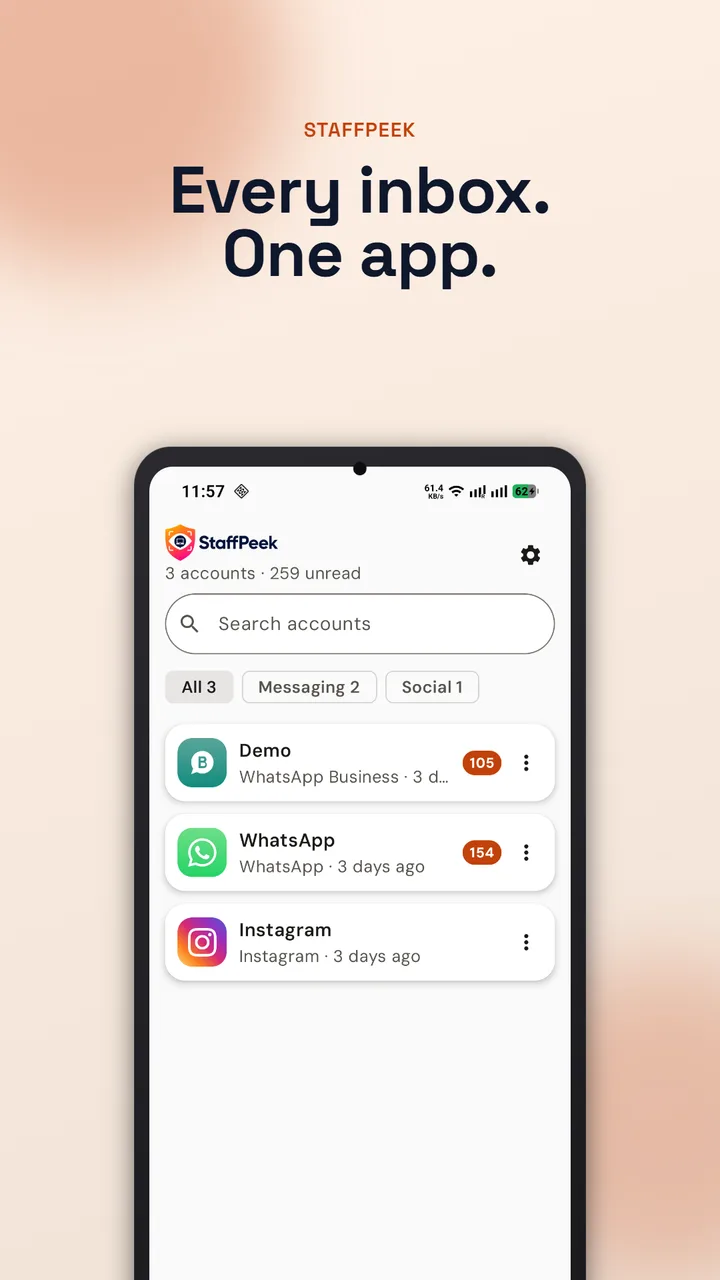
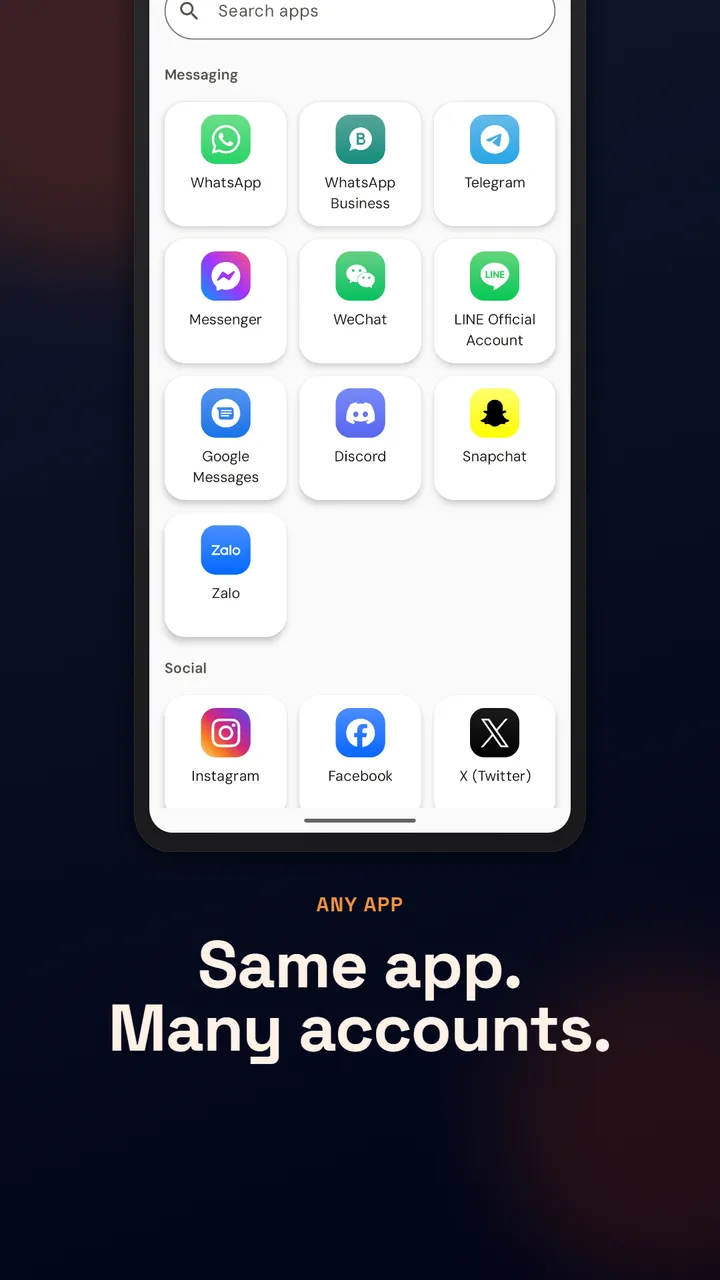
Telegram logins appear under the Messaging filter. 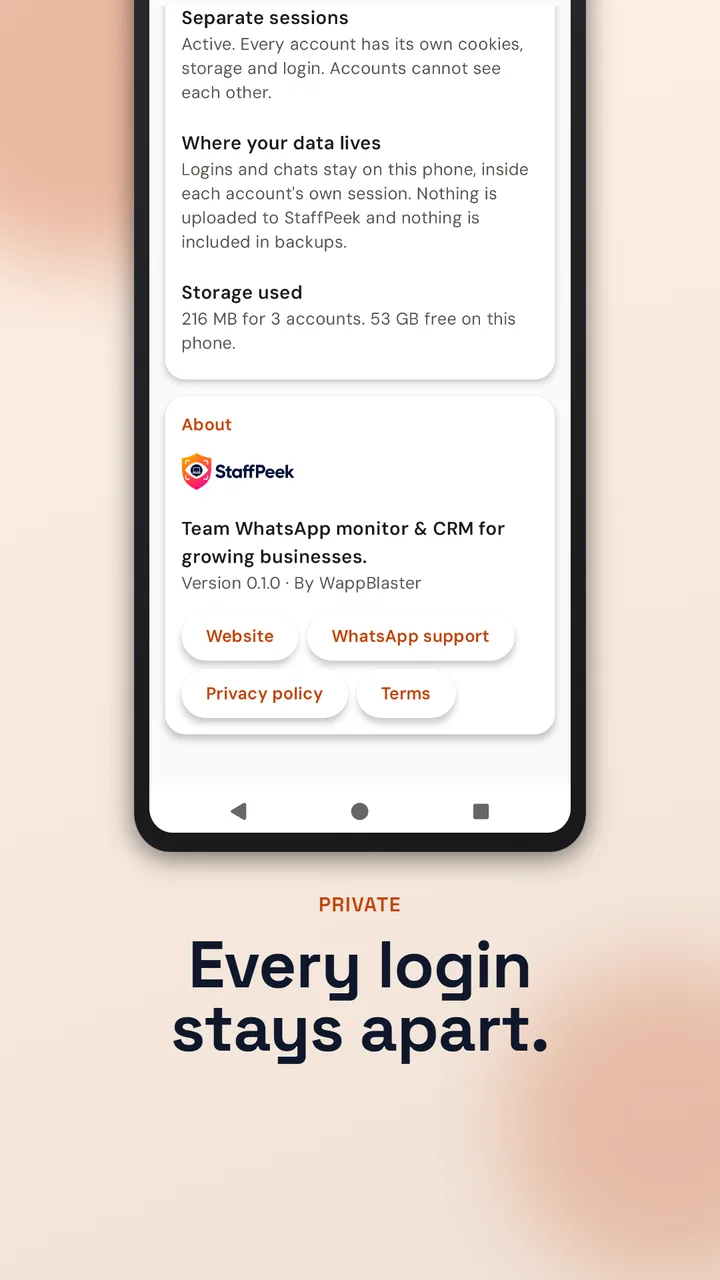
Telegram sessions stay on the phone, out of cloud backup.
Multiple Telegram accounts: Telegram app vs StaffPeek
Two ways to hold several Telegram logins on Android.
StaffPeek
- Number of logins
- Up to 200 accounts in total
- Secret chats
- Not available on Telegram Web
- Other services in the same list
- Yes, 26 more
- Login method
- Phone number code or QR
- Best for
- Admins and sellers with many logins
Telegram app
- Number of logins
- A few, fixed by Telegram
- Secret chats
- Yes
- Other services in the same list
- No
- Login method
- Phone number code
- Best for
- One or two personal accounts
Multiple Telegram accounts limits
Telegram's rules still apply in StaffPeek.
- Every account needs a real phone number registered on Telegram. StaffPeek cannot create accounts without one.
- Secret chats and some app-only features are not part of Telegram Web.
- Telegram can limit accounts that send spam or join many groups quickly; StaffPeek does not change those limits.
- New message alerts arrive for logins you opened lately, and only after you turn on Keep accounts connected.
Multiple Telegram accounts example: a coaching institute
This is an illustration, not a customer story. A coaching institute in Kota runs 4 Telegram channels, one per batch, each owned by a separate number held by a teacher. The office manager adds all 4 logins to StaffPeek on one phone. She posts the timetable change in all 4 channels in under 5 minutes, and teachers keep their own phones.
Multiple Telegram accounts price
Two Telegram logins in StaffPeek need no payment. A third login moves you onto paid Android use: ₹1,500 every twelve months, with taxes. For ₹3,000 every twelve months, with taxes, you also get the team WhatsApp monitor for Windows and Mac.
Multiple Telegram accounts FAQ
Which app runs multiple Telegram accounts beyond the limit of the Telegram app?
- StaffPeek for Android opens Telegram Web once per login, so you can keep more Telegram accounts than the app itself holds.
What is StaffPeek for Telegram users?
- StaffPeek is an app for multiple Telegram accounts on Android that also keeps WhatsApp, Instagram, mail and work apps in the same list.
How much do multiple Telegram accounts cost with StaffPeek?
- The first pair of Telegram logins is not billed. Admins who need more pick a yearly licence: ₹1,500 covers the phone app and ₹3,000 adds the computer app, both before taxes.
How to add another account on Telegram Android?
- In the Telegram app, open the menu, tap the arrow by your name and choose Add account. In StaffPeek, tap Add account and pick Telegram.
How to create many Telegram accounts without a phone number?
- Telegram requires a phone number for every account. StaffPeek only opens accounts that already exist.
Can I use the same number for two Telegram accounts?
- No. One phone number is one Telegram account. Each extra account needs its own number.
Can I use 2 Telegram accounts on my iPhone?
- StaffPeek is Android only. On iPhone, use the add account option inside Telegram.
Do secret chats work in StaffPeek?
- No. Secret chats are tied to the Telegram phone app and do not appear on Telegram Web.
Can I manage Telegram channels from StaffPeek?
- Yes. Telegram Web lets you post in channels and moderate groups you admin, for each logged-in account.
Will Telegram ban me for using several accounts?
- Telegram allows several accounts but acts against spam. Use each account normally and follow Telegram's terms.
Can I see Telegram and WhatsApp in one place?
- Yes. Both sit in the StaffPeek list under the Messaging filter, each with its own unread badge.
Read next
- All in one messengerTelegram, WhatsApp and more together.
- Multiple accounts appAny service, many logins.
- Dual WhatsApp appTwo WhatsApp numbers on one phone.
StaffPeek is an independent app by WappBlaster. It is not affiliated with, endorsed by or sponsored by WhatsApp LLC, Meta, Telegram, Google or any other service it works with. All product names belong to their owners.