
WhatsApp chat monitoring for sales team
WhatsApp Chat Monitoring for Sales Team Is StaffPeek, Open and Consent Based
WhatsApp chat monitoring for sales team work is a manager's open review of the business chats reps have with customers, so slow replies and dropped leads are caught early. StaffPeek gives the manager that view on a Windows or Mac computer, after each rep links the business number with a QR code.
- Reps link their own business number
- Nothing is installed on the rep's phone
- Reply gaps and follow-ups in one place
Updated 26 November 2026
What is WhatsApp chat monitoring for sales team use?
It is the practice of a sales manager reading reps' business WhatsApp conversations, with their knowledge, to coach replies and protect leads.
StaffPeek supports it by showing every rep's linked business number on the manager's computer, next to a follow-up list.
- Monitoring covers business numbers, not personal chats.
- Reps agree in writing and link the number themselves.
- The manager's computer shows in the rep's Linked devices.
WhatsApp chat monitoring for sales team: how StaffPeek does it openly
Sales reps close deals in WhatsApp, and the manager usually learns the outcome only from a verbal update. Screenshots and shared phones do not scale. StaffPeek gives the manager direct sight of the conversations instead. Each rep opens WhatsApp Business on the work number, taps Linked devices and scans the QR code on the manager's computer. From then on the manager can open that rep's chats, read the last customer message and see whether it was answered. No app goes on the rep's phone and nothing is hidden: the computer is listed under Linked devices, and the rep can remove it. On top of the chats, StaffPeek tags every lead with a stage and a next-contact date, which means a review meeting starts from facts. StaffPeek is for business numbers with consent, and is not a tool for secret tracking.
WhatsApp chat monitoring for sales team benefits
Unanswered customers surface
Open any rep's number and see which chats still wait for a reply.
Coaching from real chats
Review how a rep handled price objections, using the actual conversation.
Leads survive staff changes
When a rep leaves, the chat history is already on the office computer.
Honest pipeline
Stages come from the chats, not from what was said in the Monday meeting.
No per-rep fee
One licence covers every rep's number on that computer.
WhatsApp chat monitoring for sales team setup
Warning: get written consent before you link any number, and keep monitoring to business numbers.
Write a short policy
State that business WhatsApp numbers are reviewed by the manager, and why.
Collect consent
Have each rep read and sign the policy.
Link each rep
The rep scans the QR code in StaffPeek from the Linked devices screen of the work number.
Name the accounts
Label each account with the rep's name.
Review on a schedule
Check open chats and overdue follow-ups at a fixed time each day.
WhatsApp chat monitoring for sales team screenshots
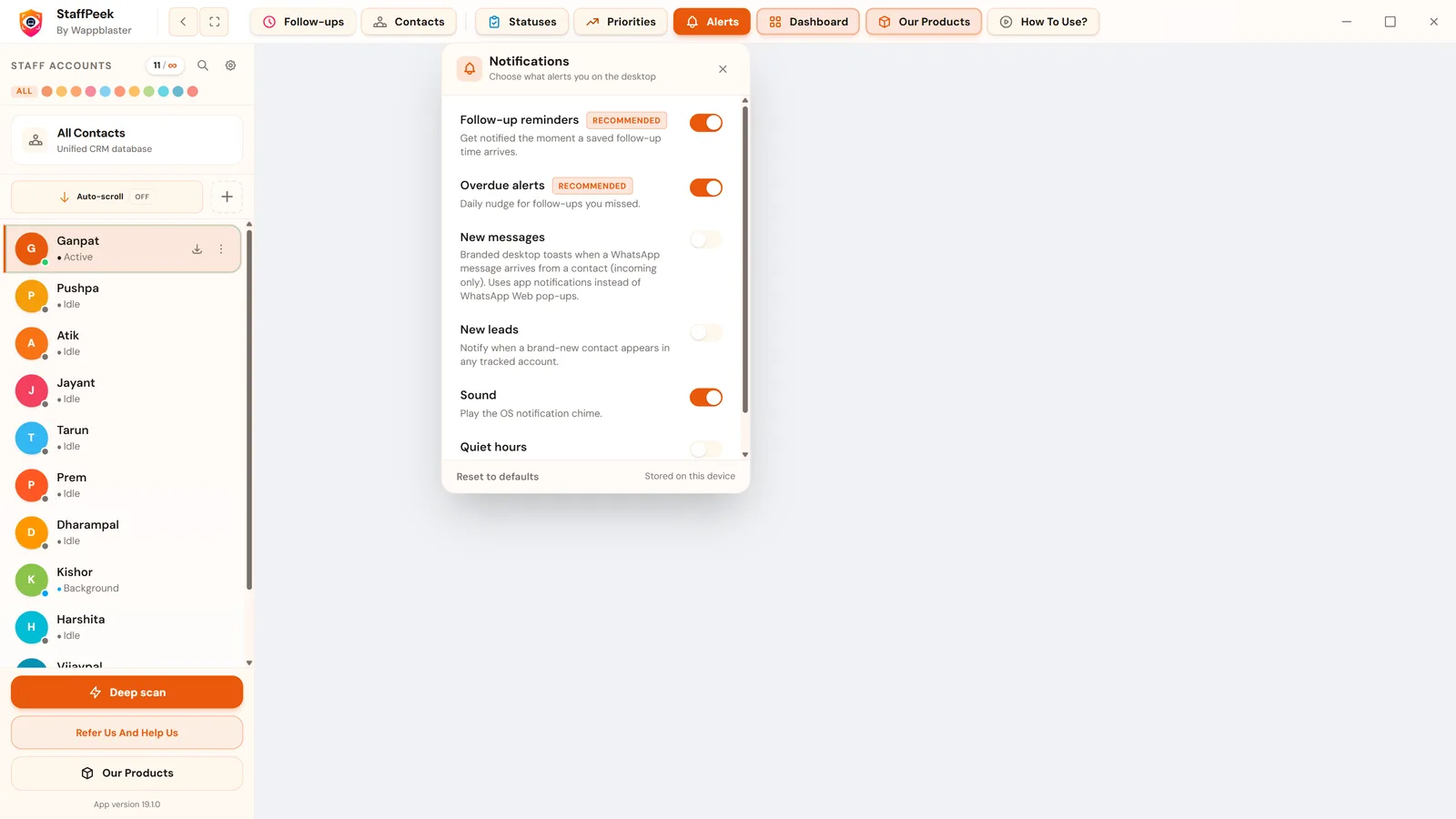
The manager's view in the StaffPeek desktop app.
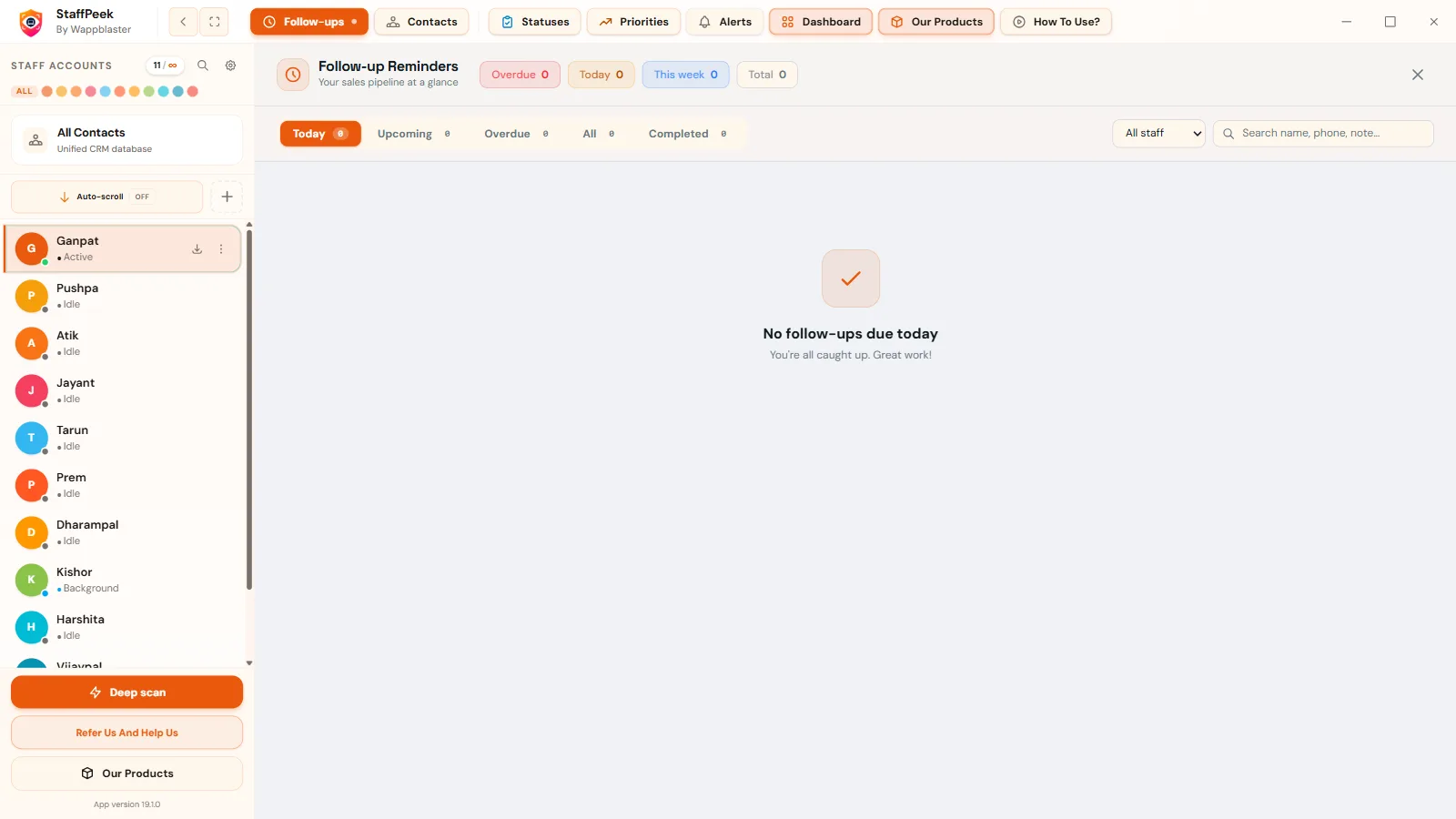
Filter follow-ups by rep with the All staff menu. 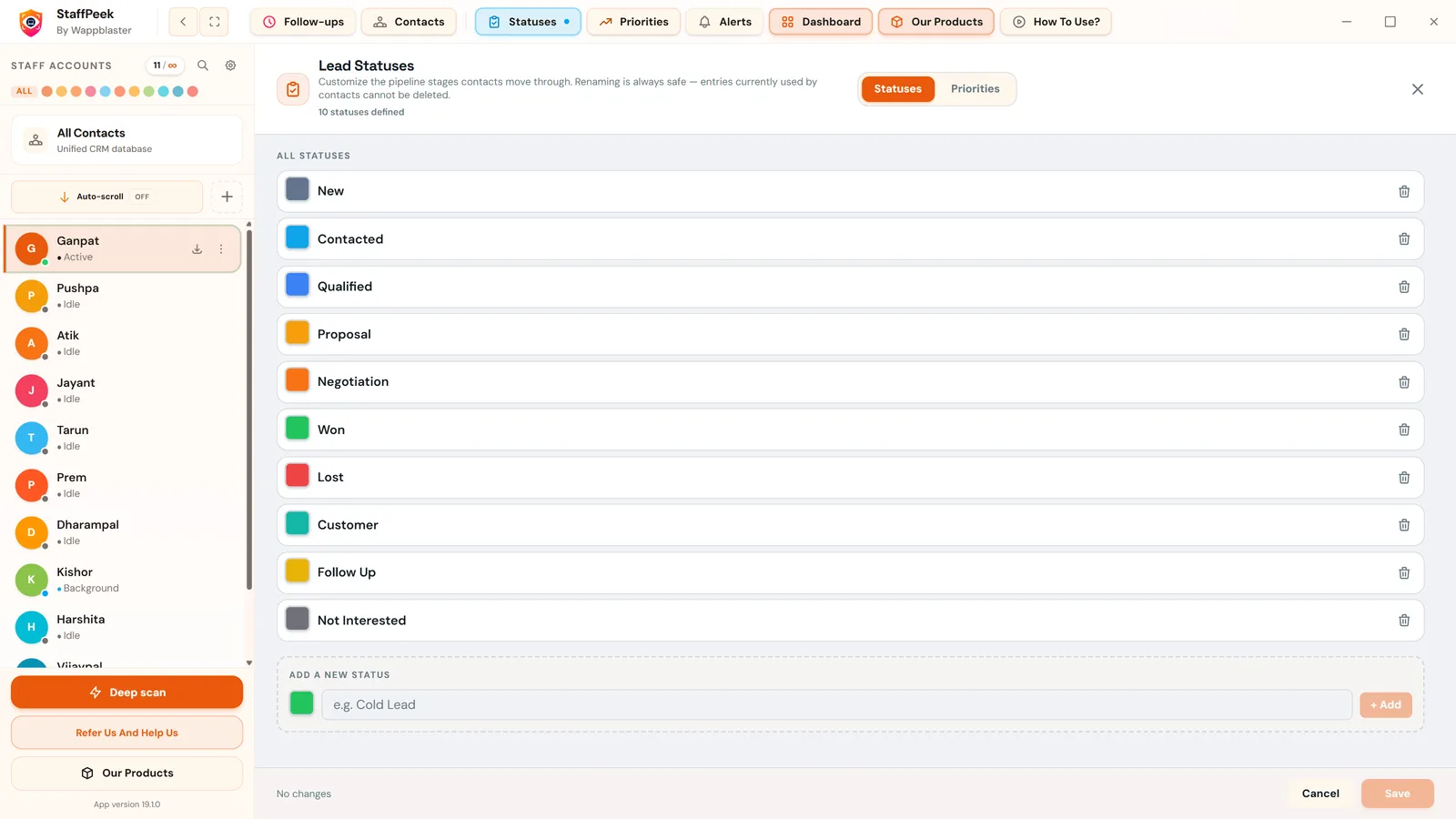
Each rep's number is one row in the account list.
WhatsApp chat monitoring for sales team: methods compared
How managers try to see sales chats, and what each method costs in trust and time.
StaffPeek linked device
- Rep knows about it
- Yes, and can see the link
- Complete conversation
- Yes
- Install on the rep's phone
- Nothing
- Legal and trust risk
- Low, with consent and a policy
- Manager effort
- Open the account and read
- Best for
- Teams on business numbers
Screenshots from reps
- Rep knows about it
- Yes
- Complete conversation
- Only what the rep sends
- Install on the rep's phone
- Nothing
- Legal and trust risk
- Low
- Manager effort
- Chase screenshots daily
- Best for
- Very small teams
Hidden tracking app
- Rep knows about it
- No
- Complete conversation
- Varies
- Install on the rep's phone
- A spy app
- Legal and trust risk
- High, and often unlawful
- Manager effort
- Varies
- Best for
- Not recommended
WhatsApp chat monitoring for sales team limits
Monitoring is a management tool with legal edges. Know them before you start.
- Employment and privacy rules differ by country and state. Take local legal advice before you monitor staff.
- Do not link personal numbers. If reps sell from personal WhatsApp, move them to business numbers first.
- A rep can unlink the manager's computer at any time from the phone.
- StaffPeek shows chats. It does not record WhatsApp calls or score conversations automatically.
- It has no reports by rep yet beyond the follow-up filters; review still needs a person.
WhatsApp chat monitoring for sales team example: a car dealership
This is an illustration, not a customer story. A car dealership in Indore has 6 sales executives on WhatsApp Business numbers issued by the company. After a signed policy, all 6 link to the sales manager's PC. On Tuesday the manager opens Vikram's account and finds 5 buyers who asked for the on-road price and got no reply for a day. Vikram answers them before lunch, and 2 book test drives.
WhatsApp chat monitoring for sales team price
One StaffPeek licence on the manager's computer is ₹2,200 + taxes per year in India and $30 + taxes abroad, and it covers every rep you link. Managers who also want the Android app pay ₹3,200 + taxes a year for both.
WhatsApp chat monitoring for sales team FAQ
Which software does WhatsApp chat monitoring for sales team work without a spy app?
- StaffPeek does. Reps link their business numbers by QR code, and the manager reads chats on a computer. Nothing is installed on a rep's phone.
What is StaffPeek for a sales manager?
- StaffPeek is a tool for WhatsApp chat monitoring for sales team leaders: it shows each rep's business chats and follow-ups on one desktop.
How much does WhatsApp chat monitoring for sales team cost with StaffPeek?
- The manager's computer needs one licence, priced at ₹2,200 for 12 months in India and $30 outside it, with taxes added. Rep numbers on it are unlimited.
Can employers monitor WhatsApp messages?
- Often yes for business numbers used for work, when staff are told and agree. Laws differ by country, so check local rules first.
Can my WhatsApp chat be monitored without my knowledge through StaffPeek?
- No. StaffPeek only works after the number's owner scans a QR code, and the linked computer stays visible in Linked devices.
How to use WhatsApp for sales with a team?
- Give each rep a business number, agree reply-time targets, and review chats and follow-ups from one manager screen.
Does StaffPeek record WhatsApp calls?
- No. It shows text chats and media in WhatsApp Web. Call recording is outside what it does.
What happens when a sales rep leaves the company?
- If the number belongs to the company, keep it linked and hand it to the next rep. The chat history stays with the number.
Can I monitor the personal WhatsApp of a rep?
- You should not. StaffPeek is meant for business numbers, with the rep's consent.
How many reps can one manager computer monitor?
- There is no fixed number. One licence allows unlimited accounts, and the computer's memory decides how many stay live at once.
Does the rep get a notification each time the manager opens a chat?
- No. But the rep can always see that the manager's computer is linked, and when it was last active, under Linked devices.
Read next
- Team monitoring guidePolicy, consent and coaching articles.
- WhatsApp CRM softwareStages and follow-ups for every lead.
- WhatsApp Business multiple usersHow linked devices share one number.
StaffPeek is an independent app by WappBlaster. It is not affiliated with, endorsed by or sponsored by WhatsApp LLC, Meta, Telegram, Google or any other service it works with. All product names belong to their owners.