
Multiple Discord accounts
Multiple Discord Accounts Open at Once on Android With StaffPeek
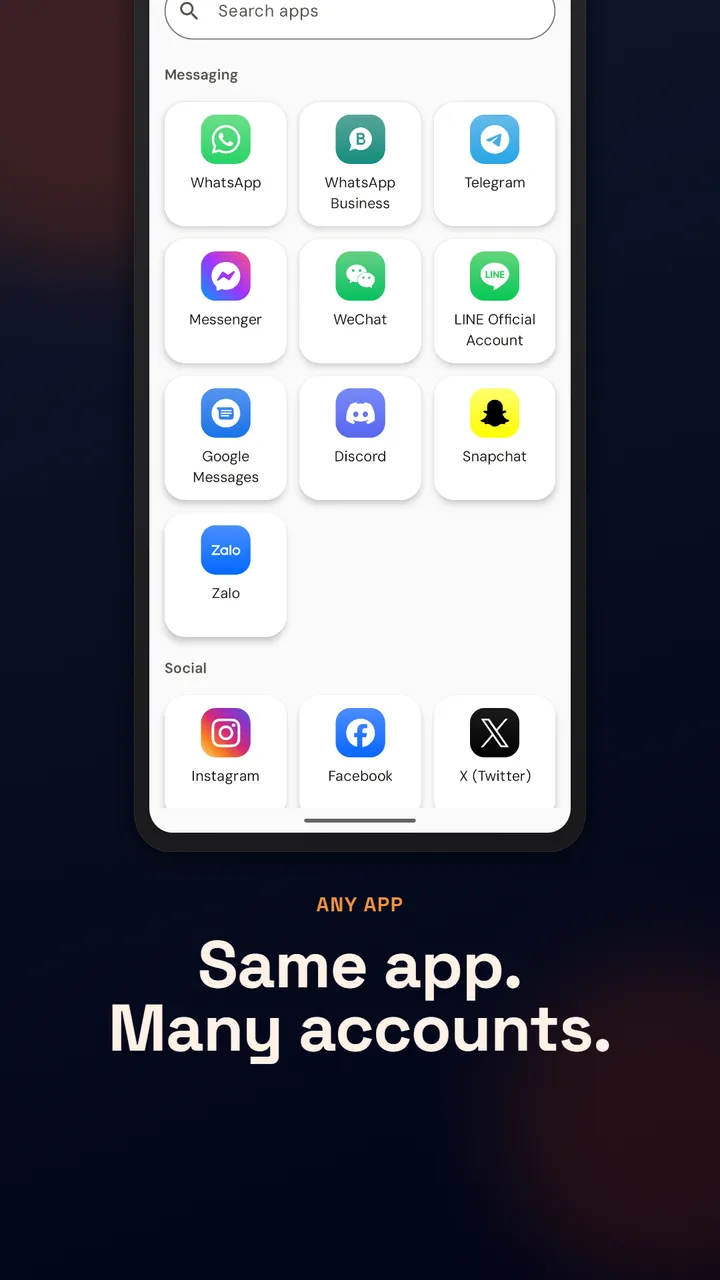
Using multiple Discord accounts at once means two or more Discord logins stay online together on one device, so moderators stop flipping between a personal and a server account. StaffPeek runs every Discord login in a sealed session on Android, all visible in a single list.
- Logins online together
- Server and personal accounts apart
- Discord beside Telegram and WhatsApp
Updated 25 November 2026
What are multiple Discord accounts, and how do I add a second one?
They are separate Discord logins on one device. In the Discord app, open your profile, tap Switch Accounts and add the other login.
StaffPeek keeps both accounts active, so a mod account and a personal account can each get messages at the same moment.
- Each Discord login becomes its own StaffPeek row.
- Logins share no cookies, so tokens stay apart.
- Voice features depend on Discord's web version and your mic permission.
Multiple Discord accounts with StaffPeek: built for moderators and teams
Discord's own switcher remembers several logins but runs only one at a time, which means a moderator misses pings on the account that is switched out. StaffPeek takes another approach on Android. Each Discord login opens Discord's web app in its own session, so a community moderator can keep a personal account, a server-staff account and a bot-testing account online together. Every login shows in the StaffPeek list with a label and an unread badge, next to the Telegram groups and WhatsApp numbers the same team may run. Sessions share no storage, so logging out of one Discord login leaves the others signed in. When Discord asks for voice or camera, Android asks you for permission first.
Multiple Discord accounts benefits
No missed pings
Every login stays online, so mentions on each account arrive.
Clean separation
Personal servers never show up on the moderation login.
Community tools in one list
Discord, Telegram and WhatsApp communities sit together.
Label by role
Name rows like Mod account or Personal to avoid posting from the wrong one.
Quick removal
Delete a row to wipe that login's session from the phone.
Multiple Discord accounts setup on Android
Two-factor login codes may be asked for, so keep your authenticator app ready.
Add Discord
Tap Add account, choose Discord and type a label.
Sign in
Enter the email and password, or scan the QR login from Discord on another device.
Approve 2FA
Type the code from your authenticator app if Discord asks.
Allow alerts
Allow notifications so mentions reach you.
Add the next login
Add Discord again for each other account.
Multiple Discord accounts screenshots
How StaffPeek keeps logins apart.
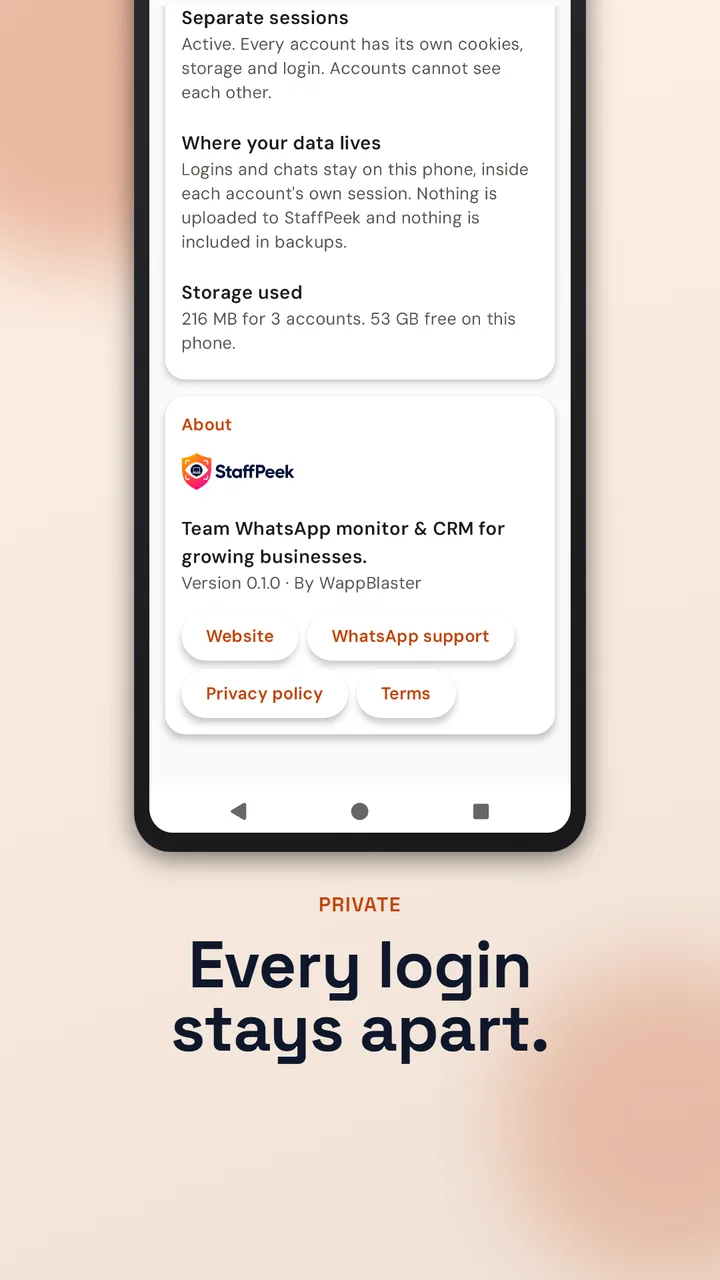
Sealed sessions keep Discord logins from mixing. 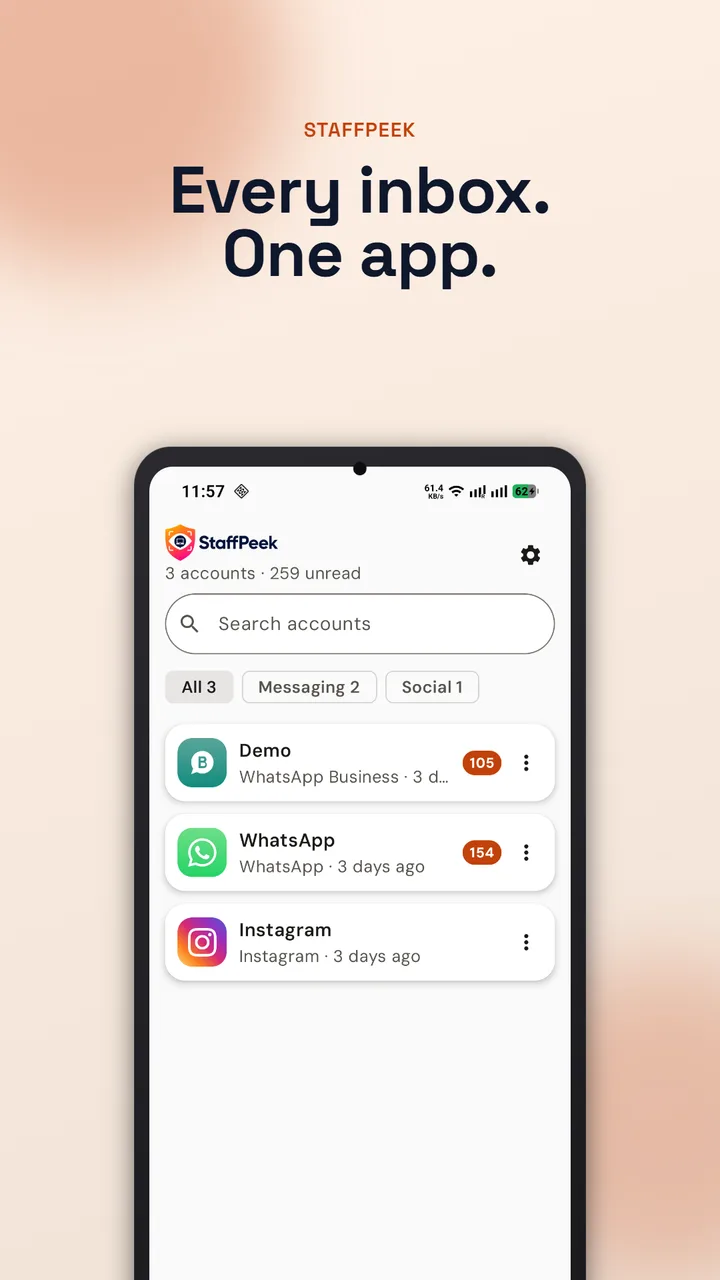
Search finds a Discord login by its label.
Multiple Discord accounts: StaffPeek vs the Discord switcher
Both are fine; they suit different jobs.
StaffPeek
- Logins online together
- All
- Notifications for each login
- Recent logins, with Keep accounts connected
- Feature set
- Discord's web app
- Other chat services in one place
- Yes
- Best for
- Moderators and team accounts
Discord account switcher
- Logins online together
- One active at a time
- Notifications for each login
- Active login
- Feature set
- Full mobile app
- Other chat services in one place
- No
- Best for
- Occasional switching
Multiple Discord accounts limits
Discord's rules and its web app set what is possible.
- Discord's terms ban using extra accounts to dodge bans or spam. Use each login for a real purpose.
- Some features of the mobile app, such as parts of voice and streaming, may behave differently in the web app.
- Mentions on a login you have not opened for a while arrive when you next open it, not as an alert.
- StaffPeek is for Android; it has no iPhone version.
Multiple Discord accounts example: a gaming community
This is an illustration, not a customer story. Kabir moderates a 4,000-member gaming server from a staff account and chats with friends on his personal account. In the Discord app he switched 20 times a day and missed reports. With both logins in StaffPeek, the staff row shows 7 unread reports at 9 pm while his personal row stays quiet, and he handles the reports first.
Multiple Discord accounts price
A personal and a staff Discord login fit inside the 2 accounts StaffPeek gives with no charge. A third login, or other services, means a paid year: ₹1,500 for the Android app, or ₹3,000 when the desktop app joins it, with taxes on each.
Multiple Discord accounts FAQ
Which app keeps multiple Discord accounts online at once?
- StaffPeek for Android gives each Discord login a private session, which lets every login stay online at the same time.
Is StaffPeek an app for multiple Discord accounts?
- Yes. StaffPeek runs multiple Discord accounts on Android and also holds Telegram, WhatsApp and 24 other services.
How much do multiple Discord accounts cost with StaffPeek?
- Moderators keep two Discord logins for nothing. A bigger set costs ₹1,500 per annum for Android, or ₹3,000 per annum for Android plus desktop, taxes added.
Is it against Discord rules to have multiple accounts?
- Discord allows more than one account, but not to evade bans, spam or harass. Check Discord's terms for the current wording.
How to use 2 Discord accounts on iPhone?
- No iPhone version of StaffPeek exists. iPhone users can rely on Switch Accounts in Discord's profile menu.
Can I get notifications from both Discord accounts?
- Yes, while both logins are recent and the Keep accounts connected switch is turned on.
Can I join voice channels from StaffPeek?
- Voice depends on Discord's web app and on the microphone permission you allow. Test it once per login.
Does StaffPeek see my Discord token or messages?
- No. The login stays inside the session on your phone. StaffPeek does not receive or read it.
Can I use a bot-testing account next to my main one?
- Yes. Add Discord again, sign in with the test account and label it clearly.
What happens when I log out of one Discord row?
- Only that login signs out. The other Discord rows keep their sessions.
Read next
- Multiple Telegram accountsTelegram communities on one phone.
- All in one messengerEvery chat app in one list.
- Multiple Snapchat accountsTwo Snapchat logins together.
StaffPeek is an independent app by WappBlaster. It is not affiliated with, endorsed by or sponsored by WhatsApp LLC, Meta, Telegram, Google or any other service it works with. All product names belong to their owners.