
Multiple Facebook accounts app
Multiple Facebook Accounts App for Android Is StaffPeek, Two Logins Side by Side
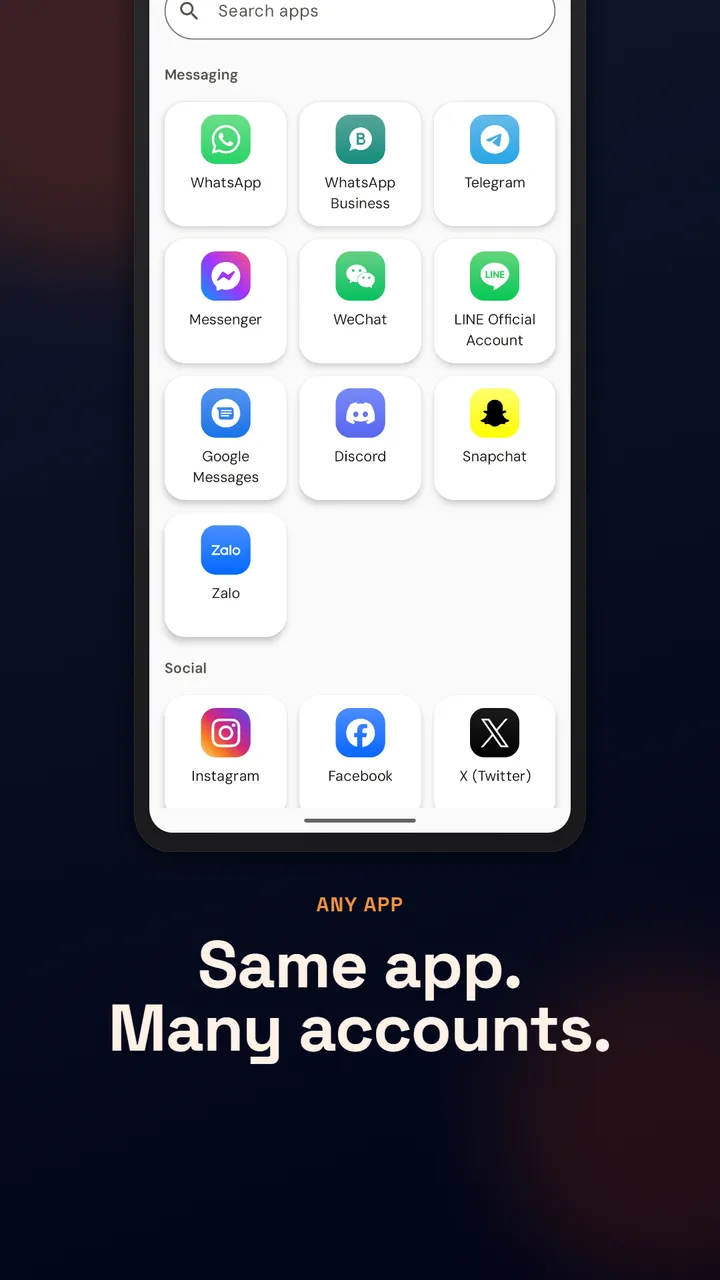
A multiple Facebook accounts app holds two or more separate Facebook logins on one phone at once, so a business login and a personal login stop pushing each other out. StaffPeek opens each Facebook login in its own session and can add Messenger for each one as well.
- Separate logins, not just profiles
- Facebook and Messenger both supported
- One list with your other apps
Updated 25 November 2026
What is a multiple Facebook accounts app?
It is an app that keeps separate Facebook logins open together. Facebook's own app saves several logins but shows only one at a time.
StaffPeek keeps separate Facebook logins open together, each one sealed in its own session.
- A login is a whole Facebook account; a profile is a persona inside one account.
- StaffPeek handles logins; Facebook's own switch handles profiles.
- Messenger can be added per login for chats.
Multiple Facebook accounts app: what StaffPeek keeps apart
Facebook offers two things that people mix up. Additional profiles are personas inside one Facebook account, switched from the profile menu. Separate accounts are fully different logins, such as a personal account and an account an employer gave you to run a business page. StaffPeek is built for the second case. Each Facebook login you add opens Facebook's mobile site in an isolated session, and each login can also get its own Messenger row from the Messaging group, so page chats and personal chats stay in their own places. Because the sessions share nothing, logging out of the work login has no effect on the personal one. The rows carry labels you choose and appear in the same list as WhatsApp, Instagram and Gmail.
Multiple Facebook accounts app benefits
Work and personal apart
The account you manage for work never sees your personal login.
Messenger for each login
Add Messenger once per Facebook login for clean chat lists.
Open at the same time
Check a page comment and a family message without logging out.
Labels per login
Name each row after the business or person it belongs to.
No second app copy
No cloned Facebook app and no extra launcher icon.
Multiple Facebook accounts app setup
Each Facebook login is added on its own. Have the email or phone and password for each.
Add Facebook
Tap Add account and choose Facebook in the Social group.
Label it
Type a label such as Personal or Store page admin.
Log in
Sign in on the Facebook page and approve the login if Facebook asks.
Add Messenger if needed
Tap Add account, choose Messenger and sign in with the same login.
Add the second login
Repeat with the other Facebook account. It stays fully separate.
Multiple Facebook accounts app screenshots
Screens from StaffPeek with social accounts added.
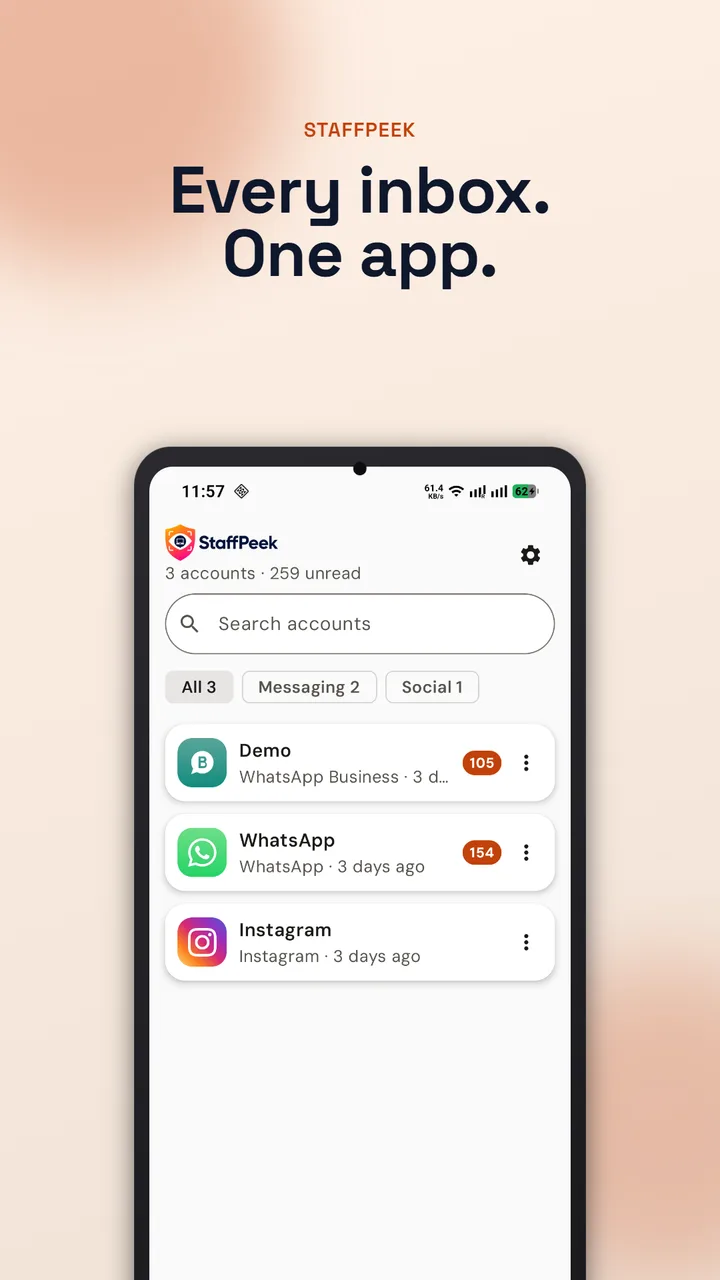
The Social chip shows Facebook and other social logins only. 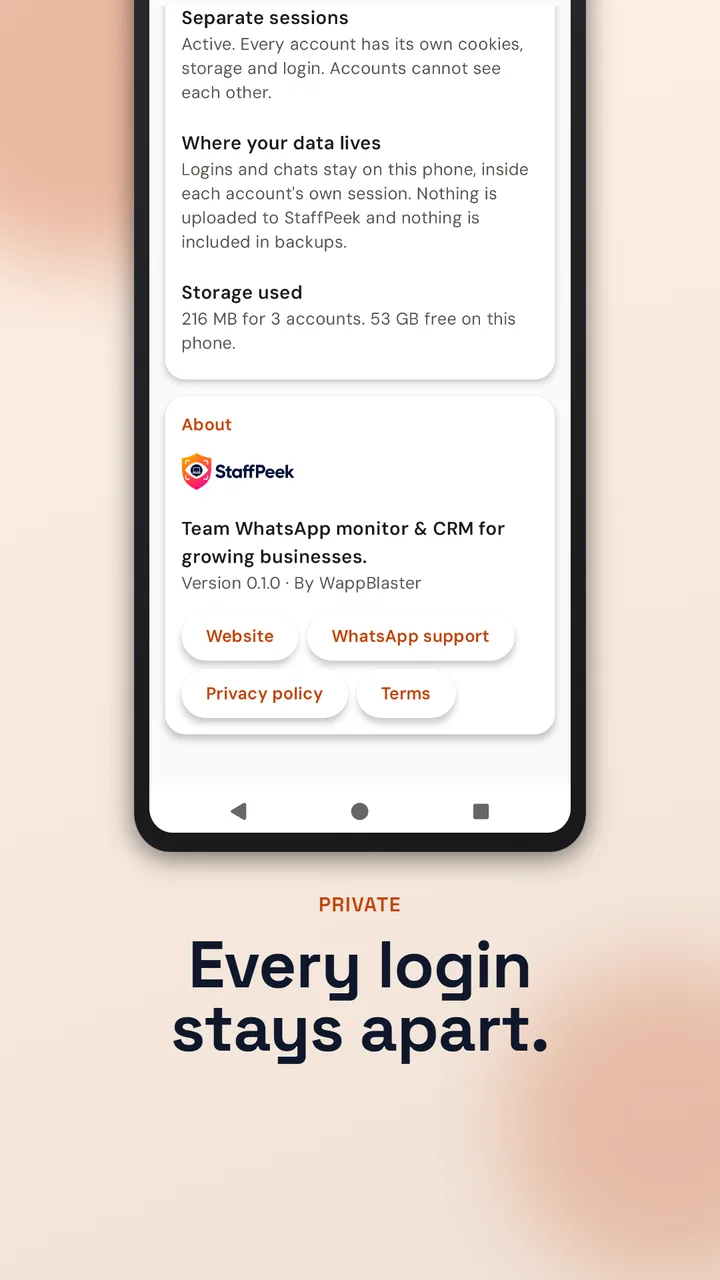
Separate sessions: one Facebook login cannot see the other.
Multiple Facebook accounts app vs Facebook's own switch
Separate logins and extra profiles solve different problems.
StaffPeek
- What it holds
- Separate Facebook logins
- Open at once
- Yes
- Messenger per login
- Yes, as its own row
- Feature set
- Facebook's mobile site
- Best for
- Work and personal accounts kept apart
Facebook account switch
- What it holds
- Saved logins, one active
- Open at once
- No
- Messenger per login
- Through the Messenger app
- Feature set
- Full app
- Best for
- Occasional switching
Facebook additional profiles
- What it holds
- Personas inside one login
- Open at once
- No
- Messenger per login
- Shared settings
- Feature set
- Full app
- Best for
- Hobby or creator personas
Multiple Facebook accounts app limits
Facebook's own policies and its mobile site set the limits here.
- Facebook's terms allow one personal account per person. Use extra logins only where they are allowed, such as an account an employer manages.
- The mobile site lacks some app features, such as parts of video creation and live tools.
- Facebook may ask for login checks the first time a login opens in StaffPeek.
- StaffPeek does not post on a schedule or manage ads; use Meta's business tools for that.
Multiple Facebook accounts app example: a store manager
This is an illustration, not a customer story. Deepa manages a furniture showroom in Coimbatore. The owner gave her a separate work login that runs the showroom's Facebook page and Messenger. She also has her personal Facebook. She adds both logins and both Messenger rows to StaffPeek. During lunch she answers 6 page enquiries from the work rows, and her personal feed never mixes in.
Multiple Facebook accounts app price
Two logins in StaffPeek are open to use with no payment, which covers one work and one personal Facebook. Messenger rows or a third login fall under paid use, priced at ₹1,500 per year for the phone or ₹3,000 per year with the desktop app, taxes extra.
Multiple Facebook accounts app FAQ
Which multiple Facebook accounts app keeps two logins open at once?
- StaffPeek for Android opens each Facebook login in its own session, so both stay signed in at the same time.
Is StaffPeek a multiple Facebook accounts app?
- Yes. StaffPeek is a multiple Facebook accounts app for Android that also adds Messenger, Instagram and WhatsApp to the same list.
What does a multiple Facebook accounts app cost with StaffPeek?
- A pair of Facebook logins stays without cost. Anything past that is ₹1,500 for a year on Android, or ₹3,000 for a year on Android and a computer, plus taxes.
Can I have multiple Facebook accounts?
- Facebook's rules allow one personal account per person, plus extra profiles inside it. Work accounts given by an employer are a separate case.
How do I install the 2 Facebook apps on my phone?
- You do not need two copies. Add Facebook twice in StaffPeek, one row per login, each in its own session.
Why is my phone showing two Facebook accounts?
- The Facebook app remembers logins used on the phone. Remove unwanted ones from the app's login screen or its account settings.
What is the difference between a Facebook account and a Facebook profile?
- An account is a full login. Additional profiles are extra personas inside that one account, with their own feeds.
Can I use Messenger for each Facebook login?
- Yes. Add Messenger in StaffPeek once per login, and each gets its own chat list and unread badge.
Can I manage a Facebook business page from StaffPeek?
- You can reply to page comments and messages that Facebook's mobile site shows. Ads and page insights are better in Meta's business tools.
Will logging out of one Facebook login sign out the other?
- No. The sessions share no cookies, so each login logs out on its own.
Read next
- Multiple Instagram accountsSeveral Instagram profiles open together.
- Dual Messenger appTwo copies without Samsung's feature.
- All in one messengerFacebook beside every other inbox.
StaffPeek is an independent app by WappBlaster. It is not affiliated with, endorsed by or sponsored by WhatsApp LLC, Meta, Telegram, Google or any other service it works with. All product names belong to their owners.